[Launch] Elemental Legal Document Generator Released | If the Authorities Won't Do It, I Will
An open-source elemental legal document generator that creates compliant complaint and defense templates with multi-party support, deployable locally via Python or accessed through a trial web service.
Recently, elemental legal documents (complaints/defenses) have once again gone viral after a year.
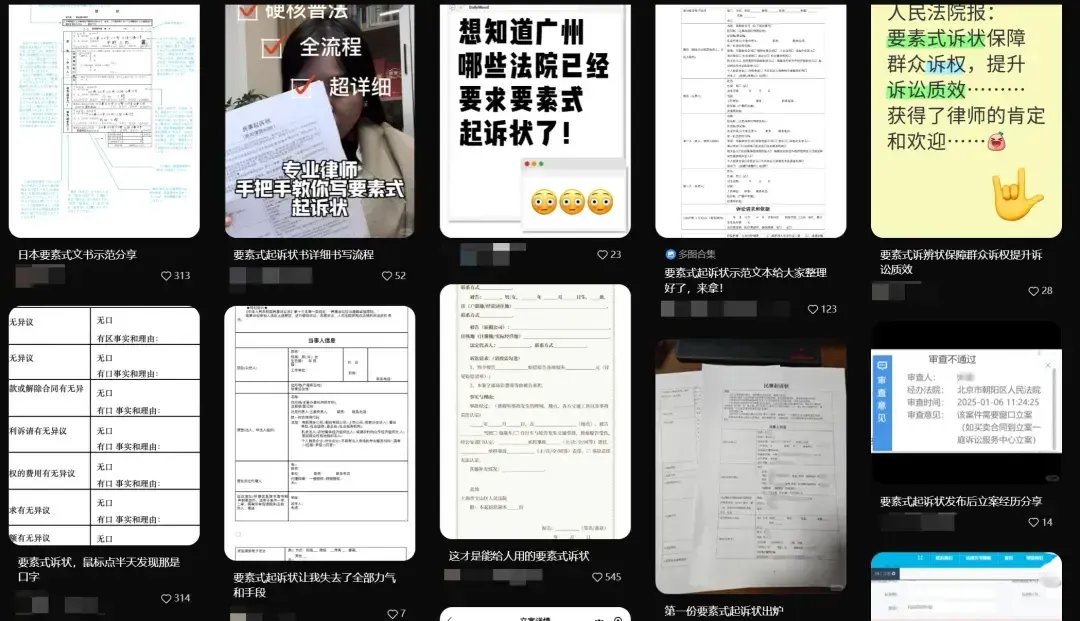
The reason is that some courts have started putting up signs at their filing windows, requiring the mandatory use of elemental complaint templates.
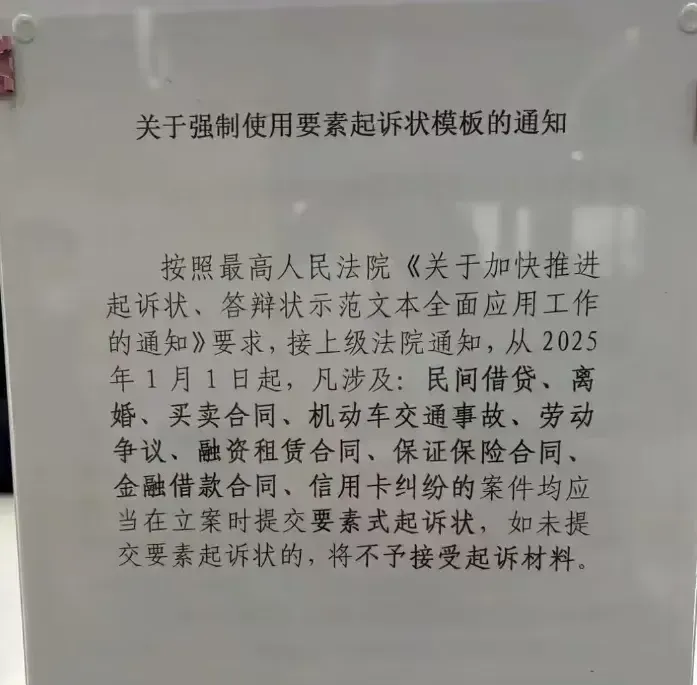
This stirred up a wave of discussion. When everyone rushed to find the previously circulated templates, they discovered a problem:
Why are they so difficult to use?
The most common issues include “why can’t I check the box,” “why is the line breaking by itself,” “why is the cell misaligned”…
To make things easier for everyone, I have created this generator based on the existing elemental legal document templates and have open-sourced it under the MIT license for everyone’s convenience.
Feel free to share it with others.
This article represents only the author’s personal views and does not constitute legal advice or legal opinion.
I. Trial Address
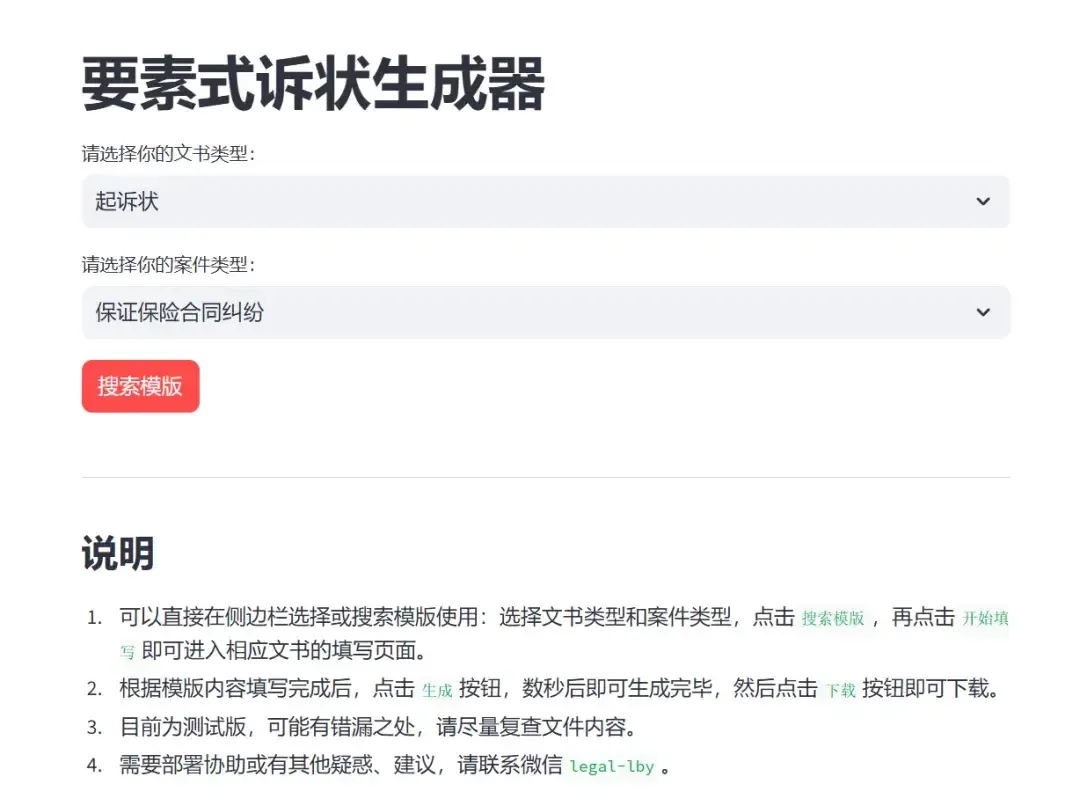
This address is for trial purposes only, trial purposes only, trial purposes only!
This service is deployed on my own server. Although I guarantee that I will not collect any of your information, please assess the risks yourself.
I recommend deploying it locally for normal use.
II. How to Use
Since it’s a generator, usage is naturally simple:
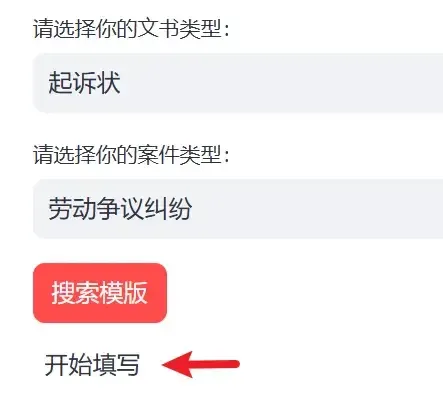
1. Select Case Type
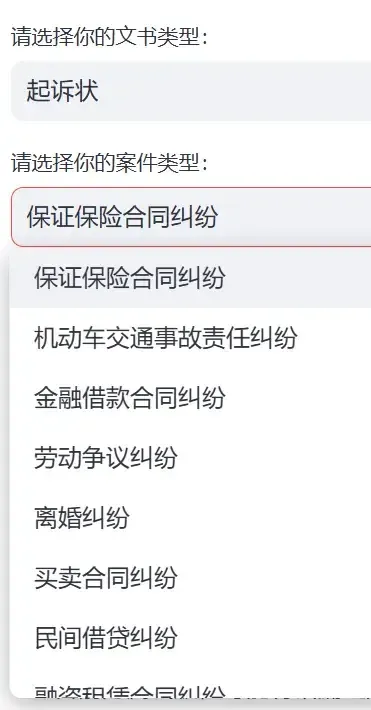
2. After searching, a [Start Filling] button will appear. Click it to proceed.
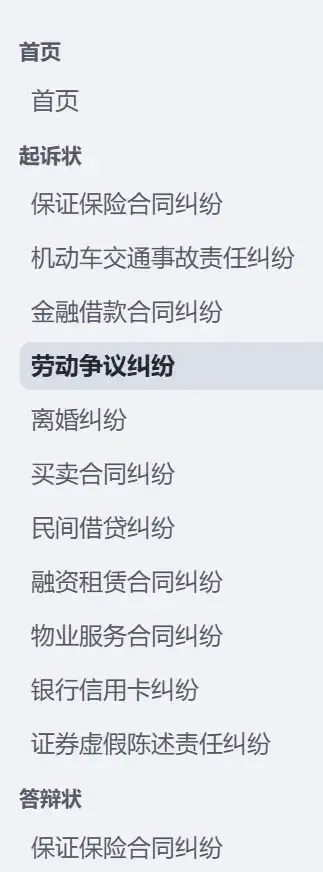
Or you can select directly from the left side as well.
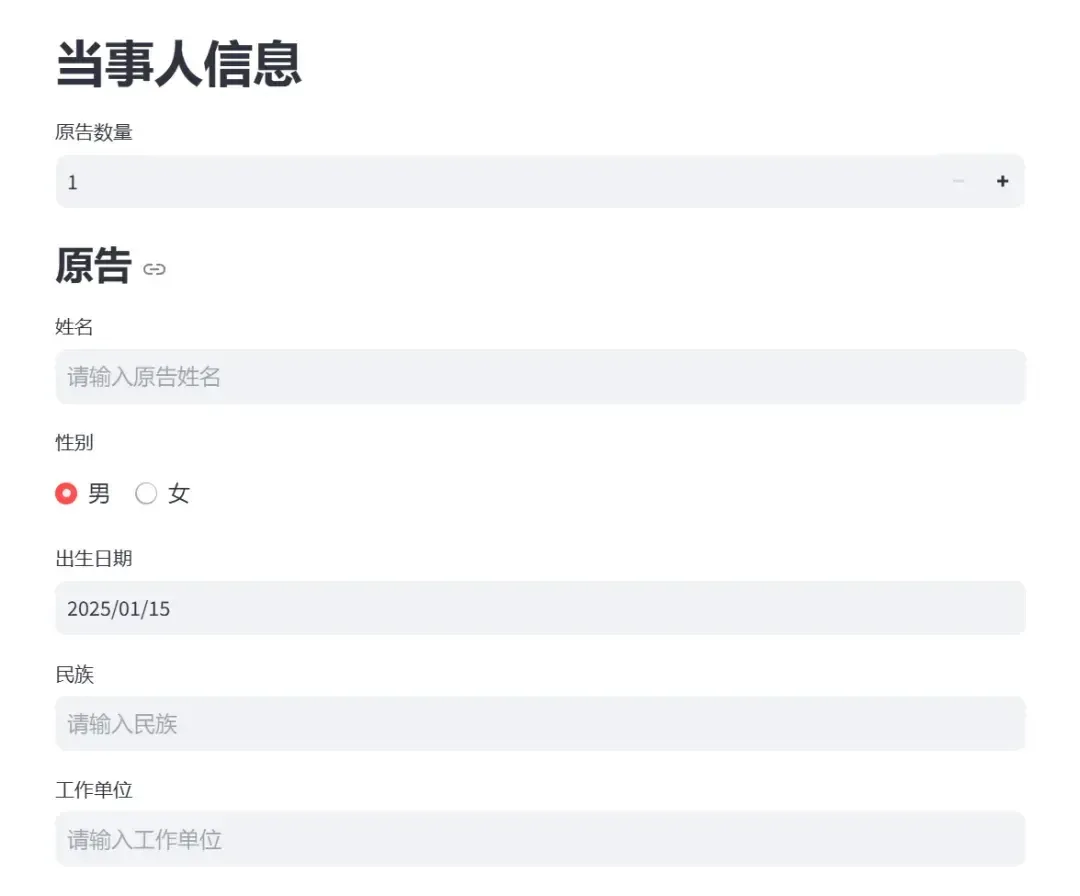
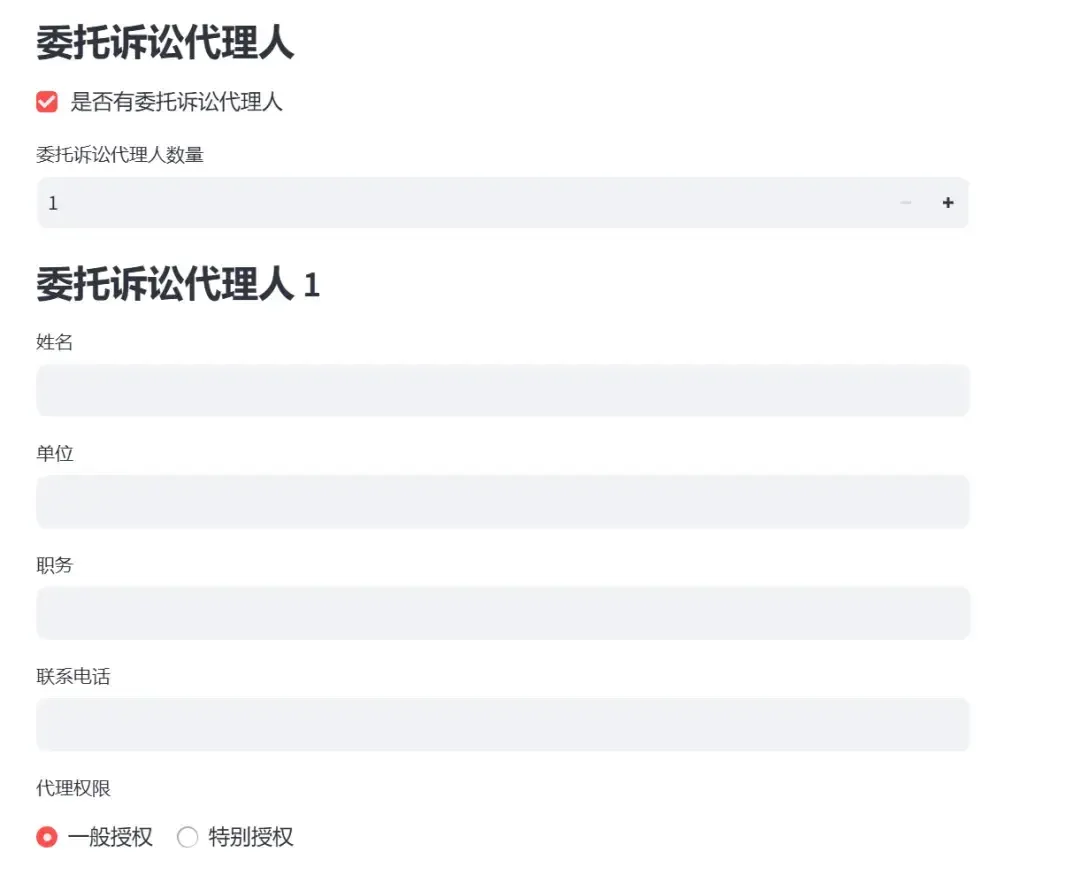
3. Fill in each item accordingly (yes, I even added support for multiple plaintiffs, defendants, and legal representatives)
4. After completing (or even partially completing), click Generate Document
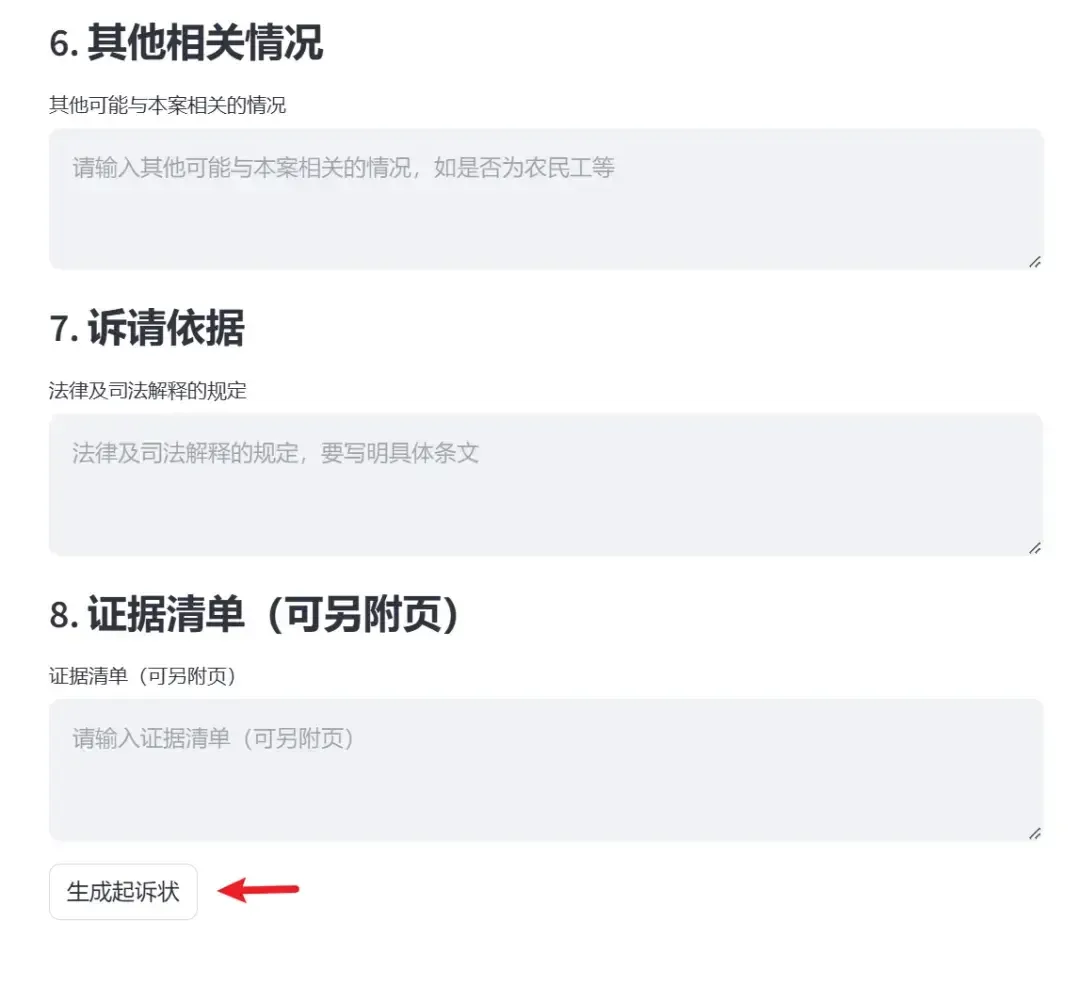
Wait a few seconds, and a [Download] button will appear. Click it to download. The file will be automatically named using the format: Plaintiff Name - Document Type - Date, and saved as a docx file.

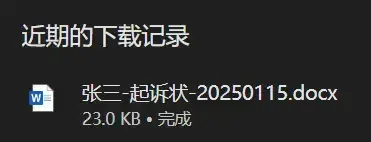
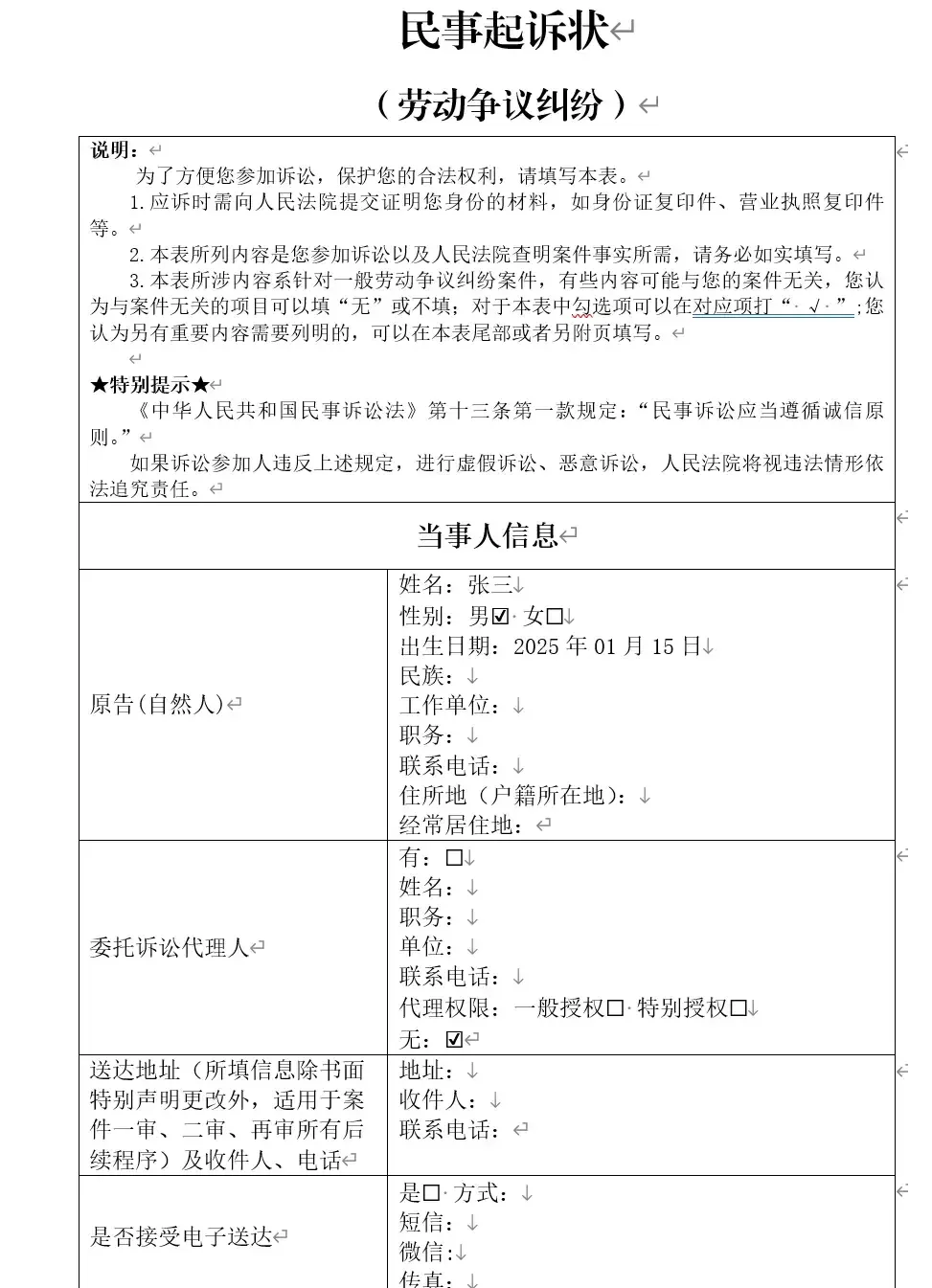
5. Explore more features on your own
III. Local Deployment Method
Github Repository
Repository address:
https://github.com/ByronLeeeee/ElementalLegalDocGenerator
If you have a GitHub account and find this software useful, please give it a Star.

Local Deployment
Local deployment is very simple.
Install Python 3.1x and Git, then clone the repository locally:
git clone https://github.com/ByronLeeeee/ElementalLegalDocGenerator.git
cd ElementalLegalDocGenerator
Install dependencies:
pip install -r requirements.txtThen run the program with the following script:
streamlit run app.pyThe program will automatically open a browser. Just use the pop-up window.
Need Help?
If you have any questions or suggestions about deployment or usage, please feel free to contact me.

Cite this article
Boyang Li, "[Launch] Elemental Legal Document Generator Released | If the Authorities Won't Do It, I Will," Boyang Li (lslby.com), January 20, 2025, https://www.lslby.com/en/research/elemental-legal-document-generator-tool/